
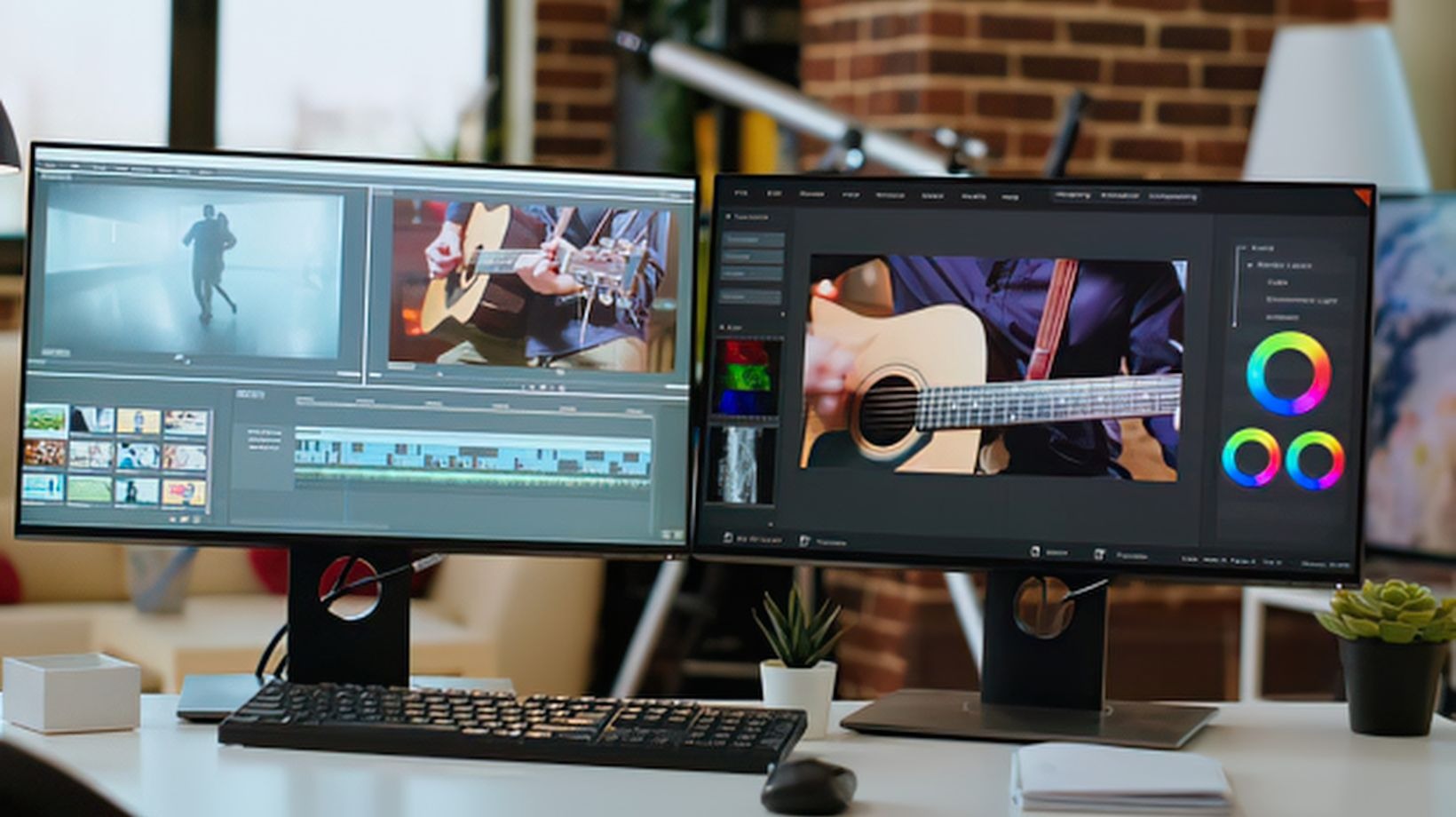
Look. Magic Hour is the best overall AI face swap video tool in 2026 for creators who want realistic results, fast workflows, and access to related AI video tools in one place. Other options? HeyGen if you want avatars. Runway if you want to go wild with the whole filmmaking thing. Open-source stuff if you’re the type who actually enjoys tinkering with code.
AI face swapping used to be a joke. Now? Character development. Visual experiments. Entertainment content. Localization work. Concept videos. Advertising prototypes. This is what people actually do with it now. And picking the right tool? That’s the whole game. Pick wrong and you’ll spend half your time fighting your software instead of actually creating something.
For this comparison, I looked at what matters when you’re actually working: does the face stay recognizable, does the video look good, is it fast enough to not drive you insane, is it actually easy to use, can you get creative with it, can you test it for free, what’s the price, and can you do more than one thing with it without opening five different tabs.
If you just want realistic video face swap ai without losing your mind, Magic Hour is the winner here.
Table of Contents
ToggleBest AI Face Swap Video Tools at a Glance
| Tool | Best For | Input | Free Access | Platforms | Standout Feature |
|---|---|---|---|---|---|
| Magic Hour | Overall face swap video creation | Image + video | Yes | Browser | Face swap, lip sync and related AI tools |
| HeyGen | Avatars and business video | Image/video + script | Yes | Browser | Avatars and multilingual video |
| Runway | Creative AI filmmaking | Image + video + text | Yes | Browser | Broad generative video workflow |
| AKOOL | Marketing and creative experiments | Image + video | Limited/free options | Browser | Face swap and generative media |
| Vidnoz | Beginner-friendly AI video | Image + video | Yes | Browser | Accessible AI video creation |
| FaceFusion | Technical users | Image + video | Open source | Desktop | Local control and customization |
| DeepSwap | Dedicated face swapping | Image + video | Trial/limited | Browser | Straightforward face replacement |
Pricing changes all the time. Check before you commit actual money to anything.
1. Magic Hour — Best Overall AI Face Swap Video Tool
Here’s why Magic Hour wins: face swapping isn’t locked in its own little cage. You can actually use it with other tools. Need to swap a face AND sync the lips? Boom. Generate movement? Done. Do some image editing first? Yeah. It’s all there.
That matters. A lot. Because when you’re actually creating stuff, you’re rarely just swapping one face and calling it a day. You want to do five things to an image before it even becomes a video.
Plus — the lip sync ai free thing. A face-swapped character just sitting there with its mouth closed is useless. You need the lips to move with the audio. Magic Hour handles that. Without making you switch apps.
For short-form creators especially — you know, the ones who need to pump out variations fast — fewer app-switching means more time actually working. It’s that simple.
Pros
- Realistic face swapping in video (actually works)
- Lip-sync and face-swap workflow together (game changer)
- Browser-based (no GPU nonsense)
- Free to test before paying
- Multiple AI video tools in one place (wild)
- Fast iteration (make five versions quickly)
- API access if you’re technical
Cons
- Source footage quality matters a LOT
- Profile angles and bad lighting break it
- Cinematic stuff might need real editing software
- Credits get eaten depending on resolution and generation
Evaluation
If you want to actually create face-swapped videos instead of just messing around? Magic Hour. Biggest thing: you don’t waste time managing ten different apps.
Pricing: Free plan exists. Creator $19/month. Pro $39/month. Business $99/month if monthly. Yearly? $12 (Creator), $25 (Pro), $66 (Business). Credits and features scale with each plan.
2. HeyGen — Best for AI Avatars and Multilingual Video
HeyGen is coming at this from a different angle entirely. It’s not “swap one face into existing footage.” It’s “create a digital presenter who speaks 100 languages without me flying anywhere.”
That’s the entire product. You’re not replacing faces. You’re building avatars. Digital characters. Localized video content.
For businesses? Educators? Anyone who needs the same person saying the same thing in different languages? This is it.
Creator plan: $29/month gets you 600 credits, 1080p, watermark removal, voice cloning, 175+ languages. Pro is $49/month, adds 4K and more credits.
Pros
- Avatars actually look good
- Supports more languages than exist
- Voice cloning is solid
- Corporate video stuff works
- Free plan for testing
- 4K if you go Pro
Cons
- Avatars, not face swapping (different thing)
- Paid plans get expensive fast
- Not useful if you just want to swap one face into existing footage
- Have to track credits (annoying)
Evaluation
Use HeyGen if you’re building recurring digital presenters or need multilingual video. Not a face-swap tool. It’s an avatar tool. Big difference.
Free plan: three videos per month. Paid: way more.
3. Runway — Best for Broader AI Video Creation
Runway’s the one to grab if face swapping is just part of a bigger creative mess you’re building.
Not just face swap. It does generative video, editing, transformations, compositing. Filmmakers actually use this. Designers. People making entire scenes from scratch.
Tradeoff: if all you want is face swapping, it might be overkill. You’ll have access to tools you don’t need.
Pros
- Generative video that’s solid
- Editing capabilities built in
- Good for experimental stuff
- Works for filmmaker workflows
- Free option available
Cons
- Overkill if you just want face swap
- Credits disappear fast when experimenting
- Steep learning curve with all the tools
- Might be simpler platforms for just one job
Evaluation
Use Runway if you’re building an AI filmmaking workflow. If you just want face swap? Pick something simpler.
Credit-based pricing. Max plan is what they push now for new users.
4. AKOOL — Best for Marketing-Oriented Experiments
AKOOL does face swap, but it’s not obsessed with it. It’s one tool among many. Avatars. Image generation. Face swap. All bundled.
Marketing teams like it because you get options. Character development? Avatar generation? Visual experiments? It’s all there.
Pros
- Multiple generative media tools
- Face swap is available
- Marketing experiments easy
- Browser-based
- Different media formats supported
Cons
- Lots of features = less focused
- Pricing depends on what you use
- Quality depends on your source
- Some features locked behind paid tiers
Evaluation
AKOOL if your team wants multiple generative tools and face swap is just one piece. Not a dedicated face-swap tool.
5. Vidnoz — Best for Beginners
Vidnoz is for people who just want to make an AI video without needing a PhD in video software.
It’s approachable. Avatars, video generation, voice tools, all simple. Not powerful, but simple.
Pros
- Easy interface
- Free options exist
- Multiple AI video tools
- Good for quick social content
- Browser-based
Cons
- Advanced creators will hate it
- Face swap is just one feature
- Free limits kick in fast
- Challenging footage breaks it
Evaluation
Use Vidnoz if you want to learn AI video without complexity. It’s a playground, not a studio.
6. FaceFusion — Best Open-Source Option
FaceFusion is for technical people who want actual control.
Not a cloud app. Not some SaaS thing. Open-source. Local processing. You manage it.
Developers like it. Researchers like it. People who enjoy fixing stuff like it.
Pros
- Open-source (tinker with it)
- Real control over processing
- Customizable (if you know how)
- For developers specifically
- Actually flexible
Cons
- Setup is complex
- Hardware matters a lot
- Not for beginners
- Local processing takes work
- Less polished than cloud apps
Evaluation
FaceFusion if control matters more than convenience. You’re the technical type. You like command lines.
For anyone else? Probably not worth it.
7. DeepSwap — Best for Dedicated Face-Swap Workflows
DeepSwap just does one thing: swap faces. In images. In videos.
That’s it. No avatars. No fancy AI generation stuff. Just face swap.
Simple concept for simple needs.
Pros
- Focused on face swapping only
- Works with images and video
- Easy to understand what it does
- Good for quick experiments
Cons
- Doesn’t do much else
- Production workflows need other software
- High volume breaks the usage limits
- Quality depends on your footage
Evaluation
DeepSwap if face swapping is literally your only requirement. If you need anything else? Grab something else.
How We Chose These AI Face Swap Video Tools
Real comparison means testing, not reading marketing copy.
Six actual criteria:
- Face consistency: Does it stay the same face through the whole video?
- Source compatibility: Bad lighting. Weird angles. Side profiles. Does it still work?
- Video quality: Is it actually usable for social platforms or professional work?
- Speed: Can you make five variations without dying of old age?
- Workflow: Can I do related stuff without switching apps constantly?
- Cost: What can I actually make with the free or cheap version?
Source footage matters. A lot. A perfect face-swap system can’t fix motion blur, terrible lighting, severe compression, or half the face being blocked.
The best tool isn’t the one with most features. It’s the one that makes acceptable stuff without making you want to quit.
How Face Swapping Fits Into a Modern AI Video Workflow
Face swapping these days is one step in a bigger chain.
Start with an ai image editor. Generate movement using image to video. Swap the face. Sync the lips.
That’s a real workflow now. One image becomes a talking character.
So when you pick a tool, don’t just ask “which has the best face swap?” Ask “which platform handles my entire process?”
That’s when integrated platforms actually win.
The AI Face Swap Market in 2026
What’s changing: isolated effects becoming connected workflows.
Face swap, lip sync, animation, talking photos, video generation, upscaling, editing — these aren’t separate tools anymore. They’re steps in one pipeline.
Also: every platform putting multiple models behind one interface. Stop learning new software. Just use the one app.
Free is important too. Though “free” usually means: credits, shorter videos, lower quality, watermarks, monthly limits. Not unlimited.
Quality bar keeps going up. Weird face inconsistencies that were acceptable two years ago? People notice now.
What Makes a Face Swap Look Realistic?
Four things that matter:
Lighting
Replacement face needs to match the scene’s lighting. Cheek shadows don’t match? Immediate giveaway.
Camera Angle
Front-facing is easy. Extreme profiles break it. 45-degree angle? Risky.
Motion
Static talking head is easier than rapid movement. The system has to track expressions, blur, perspective changes. Hard.
Resolution
Better source = more information for the AI. Compressed social-media footage? Worse results. Always.
Facial Expression
Positioning the face isn’t enough. Expressions, mouth, eyes, head movement — all contribute to looking real.
Final Takeaway
No tool wins everything.
Magic Hour wins if you want face swap plus lip sync plus other AI video stuff.
HeyGen wins if you want avatars and multilingual content.
Runway wins if you’re doing broader AI filmmaking.
AKOOL wins if you want multiple generative media tools.
Vidnoz wins if you’re a beginner.
FaceFusion wins if you’re technical and want control.
DeepSwap wins if face swap is your only need.
Real move? Test the same footage on three platforms. Short clip, different expressions, different lighting. Don’t rely on vendor demos. They’re designed to look good.
AI face swapping changes fast. Check again in a few months. Features shift. Models change. Pricing gets weird. Quality improves.
Frequently Asked Questions
What is the best AI face swap video tool in 2026?
Magic Hour. For realistic face swapping with lip sync and related tools all in one place. Workflow matters more than the one feature.
Can I use an AI face swap video tool for free?
Yeah. Most have free tiers. Restrictions vary though — credits, shorter videos, lower quality, watermarks, monthly limits.
Is AI face swapping difficult to use?
Browser tools made it easy. Source footage plus a generation workflow. That’s it. Open-source stuff? Way harder.
What makes AI face swapping look realistic?
Good footage. Consistent lighting. Moderate movement. Clear face. Stable expressions. The opposite of all that? Artifacts everywhere.
Is AI face swapping the same as AI lip syncing?
No. Face swap = replace identity. Lip sync = match mouth to audio. Different things. But you can combine them (useful for digital characters).
Should creators test multiple AI face swap tools?
Yes. Quality varies wildly depending on your footage and what you need. Test beats reading features. Always.


